

Download Android 13 – free device utility, Android update, mobile performance, new features, privacy enhancements, themed app icons, per-app language, predictive back gestures, fast hyphenation, programmable shaders, quick settings APIs, improved security, latest version, update
Overview
Android 13 is a free device utility update designed to modernize the user experience on Android smartphones and tablets. It introduces a suite of new features and system-level improvements aimed at enhancing performance, usability, and privacy. The update brings significant changes to app behavior, interface design, and system-level permissions, offering users a more personalized and secure mobile environment.
Targeted primarily at developers and tech-savvy users, Android 13 provides a foundation for next-generation app development through new APIs and system capabilities. Real-world usage scenarios include improved app customization, enhanced privacy controls, and better multilingual support. The update also supports foldable devices and larger screens, enabling adaptive gestures and interface scaling.
Google, the developer, has positioned Android 13 as a pivotal step in refining the Android ecosystem with a focus on user control and system transparency. While the update is currently in beta, it demonstrates a clear direction toward more intuitive and secure mobile computing. The developer did not provide additional system requirements beyond the OS platform.
Key Features & Capabilities
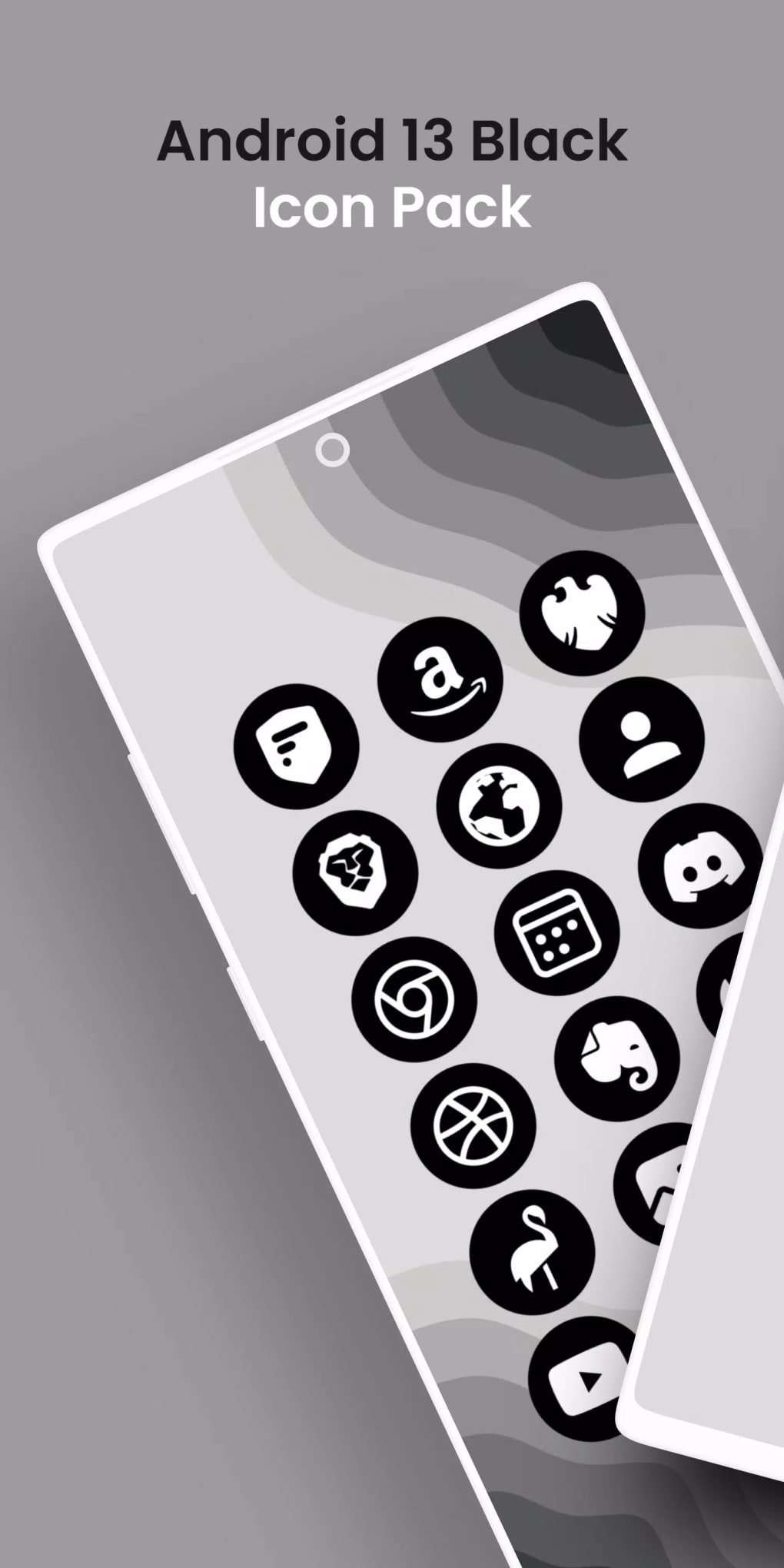
- Themed App Icons – App icons dynamically tint to match the wallpaper’s dominant color, creating a cohesive visual theme across the home screen.
- Per-App Language Support – Users can assign different languages to individual apps, improving accessibility for multilingual users.
- Enhanced Privacy Controls – Granular media permissions require explicit access for specific media files, reducing broad storage access.
- Predictive Back Gestures – Smart gestures adapt to device orientation and screen size, offering faster navigation on phones, tablets, and foldables.
- Quick Settings APIs – Developers can create custom quick settings tiles with improved functionality and integration.
- Programmable Shaders – Enables advanced visual effects and custom rendering in games and graphics-heavy apps.
- Improved Hyphenation – Faster text processing for better readability in multilingual and long-form content.
- Foreground Service Notification Management – Users can view relevant notifications for foreground services even if full notification access is denied.
- Advanced Wi-Fi Runtime Permissions – More precise control over nearby Wi-Fi device detection and access.
These features collectively improve usability, security, and developer flexibility. For example, per-app language settings benefit users who frequently switch between languages in different apps. Predictive back gestures streamline navigation on larger or foldable screens, while themed icons enhance visual harmony. Developers must adapt their apps to comply with new permission models, particularly around media access, ensuring a more privacy-conscious ecosystem.
User Interface, Workflow & Performance
Android 13 introduces a refined user interface with a focus on consistency and visual integration. The home screen and app launcher benefit from themed icons that adapt to wallpaper colors, creating a dynamic and personalized look. Navigation remains gesture-based, with improvements to predictive back gestures that anticipate user intent based on motion and screen size.
Workflow efficiency is enhanced through quick settings APIs, allowing for more customizable and context-aware controls. The system maintains a responsive interface, though performance observations are based on general software behavior patterns. The developer did not specify resource usage details, so CPU and RAM behavior cannot be confirmed.
Stability may vary, especially in the beta phase, where occasional glitches or inconsistent behavior are possible. Users should expect a polished but still evolving experience, particularly on devices not officially supported by the update.
Compatibility & System Requirements
Android 13 is designed for Android-based devices, including smartphones and tablets. The update is available for devices that meet the manufacturer’s rollout criteria. Installation size is 1.2 GB, which may vary slightly depending on device storage and existing system files.
The operating system version is 13, indicating it is the latest release in the Android series. Exact system requirements were not listed. Compatibility information was partially provided, with no specific hardware specifications mentioned.
Users should consult their device manufacturer for confirmation on whether their device qualifies for the update. The developer did not provide additional details on minimum processor speed, RAM, or storage capacity.
Pros and Cons
Pros
- Free device utility update with no cost to users
- Significant privacy and security enhancements
- Themed app icons for improved visual consistency
- Per-app language selection for multilingual users
- Enhanced gesture navigation for foldables and large screens
- Improved developer APIs for customization and performance
- Support for programmable shaders and advanced graphics
- Fast hyphenation for better text rendering
Cons
- Currently in beta stage, may include instability
- Not all devices may receive the update
- Limited information on system requirements
- Requires app developers to update their software
- Some features may not function on older or unsupported hardware
FAQ Section
Is Android 13 compatible with my smartphone?
Compatibility depends on your device manufacturer’s update rollout schedule. Android 13 is available for select devices, but not all models are eligible. Check with your manufacturer for official support details.
Is Android 13 safe to install?
As a beta release, Android 13 may contain bugs or instability. While Google implements strong security measures, users should back up data before installing. The update includes privacy improvements, but caution is advised on unsupported devices.
How often are updates released for Android 13?
Update frequency depends on Google and device manufacturers. Beta versions are typically updated monthly, with final stable releases following a phased rollout. Users should expect periodic updates to fix bugs and improve performance.
What type of license does Android 13 use?
Android 13 is distributed under an open-source license, primarily based on the Apache 2.0 license. It is free to use and modify, with no licensing fees for end users.
Can I use Android 13 offline?
Yes, once installed, Android 13 functions fully offline. However, initial setup and some features may require internet access for activation, updates, or synchronization.
Final Thoughts + CTA
Android 13 represents a meaningful evolution in the Android ecosystem, combining aesthetic refinement with robust privacy and performance improvements. Its themed app icons, per-app language settings, and predictive gestures offer tangible benefits for daily users, while developers gain powerful new tools. Despite being in beta, the update delivers a glimpse into the future of mobile computing—more secure, more customizable, and more intuitive.
While stability may vary and not all devices qualify, those seeking cutting-edge features and a modern interface will find value in the upgrade. For users comfortable with beta software and eager to explore the latest in mobile innovation, Android 13 is a compelling choice. Download Android 13 now to experience a new level of mobile performance and experience.





.png)
